One application. Just enough OS.
A custom appliance built around one static application and the OS functions it needs. The Genesis games demonstrate the result: boot it here, or run the same image in a local VM.
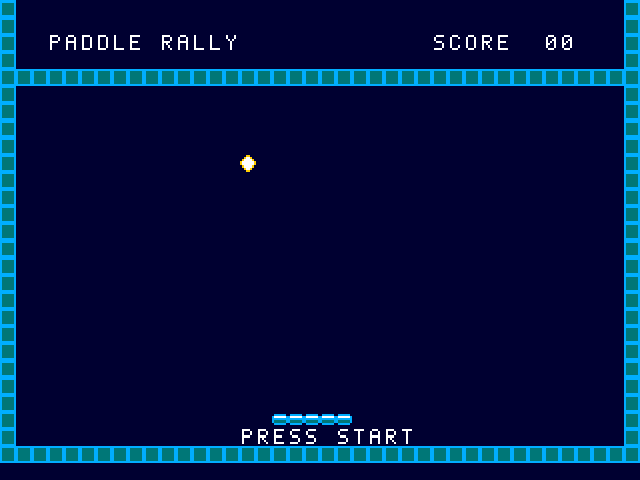
Boot log
Construct the appliance around its job.
Start with the application, its assets, and the devices it actually uses. Build those choices into a bootable artifact rather than installing a general-purpose guest environment.
- 1. SpecifyStatic app + assets + device profile
- 2. ConstructCustom PID 1 + initramfs + kernel
- 3. BootOne application in its own VM
- 4. InspectSources, manifests, hashes and runtime evidence
Enough operating system
A stock Tiny Core x86-64 kernel, custom PID 1 and a small initramfs provide framebuffer graphics, keyboard input and AC97 audio. BlastEm is statically linked. The two original cartridges are ordinary application assets.
The app runs as UID/GID 1000 with dropped capabilities and no_new_privileges. The supplied launch profile has no guest NIC, host directory share or writable data disk.
A smaller exposed guest environment
The image has no interactive shell, package manager, SSH daemon, general desktop or background network service. Its application and required drivers are selected at construction time. The website backend is outside the appliance.
The kernel is stock, not formally minimized. Reduced userspace and reachable interfaces are the demonstration; the VM/browser sandbox, kernel and emulator remain trusted boundaries. The Lean proof covers graph transformation, not the security of the full runtime.
Run the appliance on your own machine.
Download the bootable ISO or the complete native kit. Native QEMU boots the same guest with 256 MiB of guest RAM and no WebAssembly dependency.